
Counter Calculator
Turn your runs and island into square feet, backsplash area and the number of slabs to plan for.
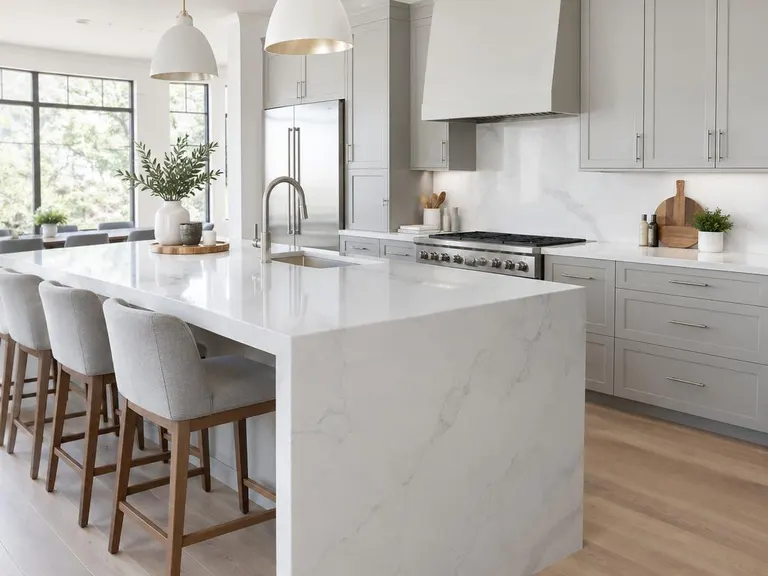
Quick numbers for planning. Real slabs vary in size, usable area and pattern direction, and fabricators plan seams and waste on their own layout, so use this as a starting point.
Three quick steps
- 1Pick the shapeOne run, L-shape or U-shape.
- 2Enter the lengthsRuns, island, backsplash and waterfall ends.
- 3Read the numbersSquare feet, waste and slabs.
About the counter calculator
How is the area worked out?
Each run is its length times a standard depth of twenty-five and a half inches, plus the island, backsplash and any waterfall ends.
How many slabs will I need?
The tool divides the area plus waste by a typical usable slab area. Real slabs vary, and your fabricator plans seams and cuts on their own layout.
Why does waste matter?
Cutouts, seams, pattern matching and trimming use material, so a share of every slab is not part of the finished top.
Services that go with this tool
Quartz Countertop InstallationEngineered quartz in clean, consistent patterns, with fine edges and tight seams.See the service 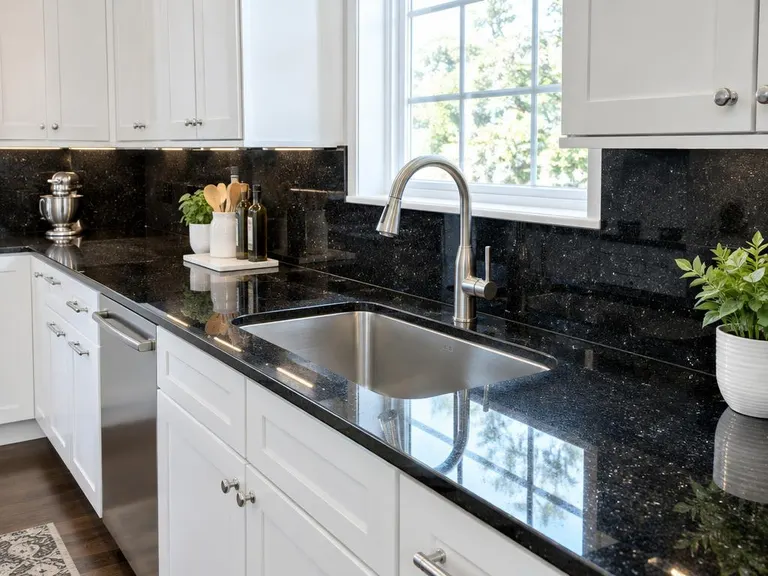 Granite Countertop InstallationNatural granite slabs, templated to your cabinets, cut, polished and set with tight seams.See the service
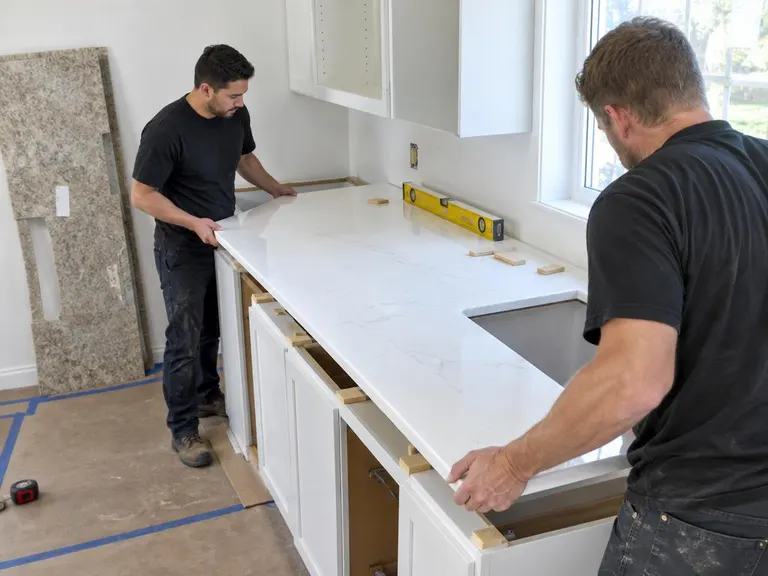 Kitchen Countertop ReplacementOut with the old laminate or tile and in with a new top, with the sink and backsplash redone to match.See the service
Ready when you are.
Call or text, or send the form. Tell us about your kitchen and we will tell you how we would approach it.